Guide: How to pass 20 testers, for at least 14 days on Google Play Console
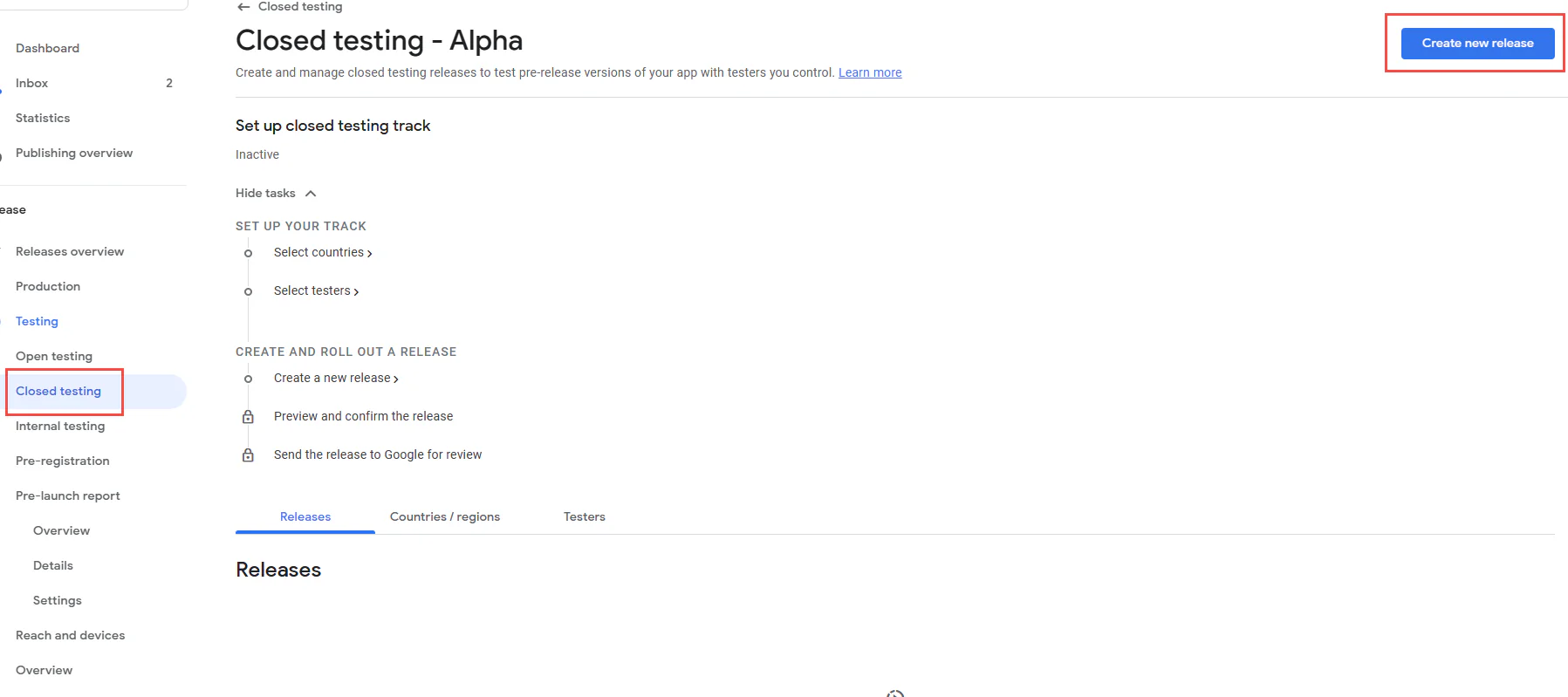
Step 1: Create a Closed testing Release.
Add your app bundle, choose target countries, select some test users etc to finish the creation.
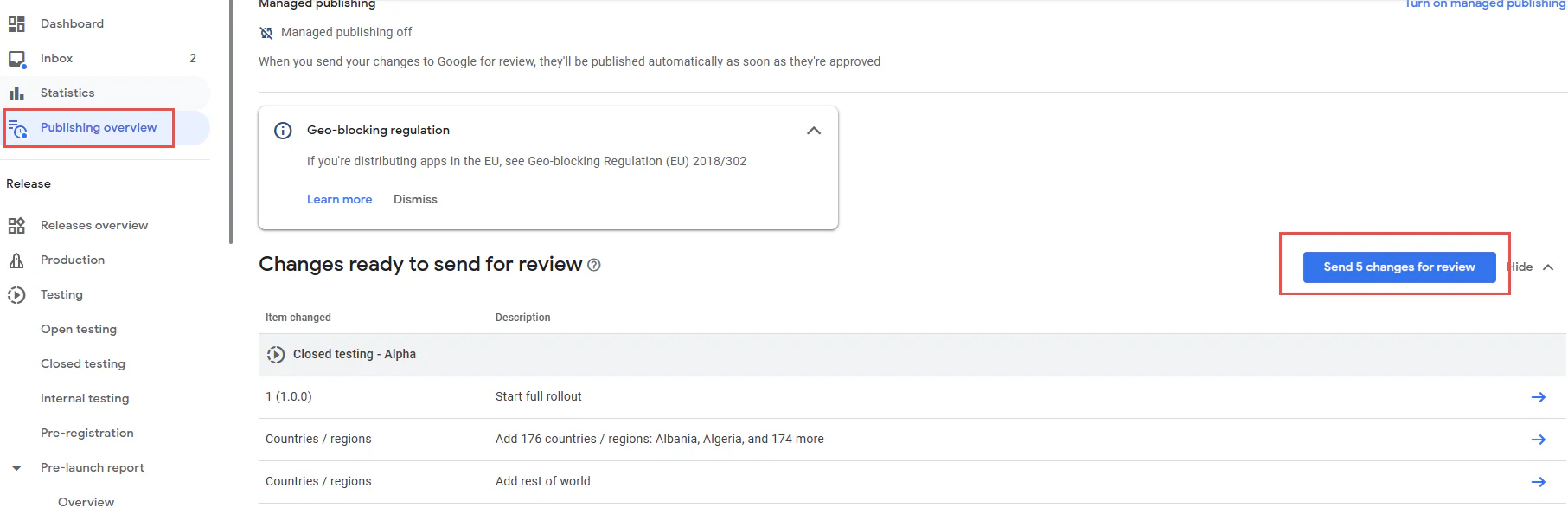
In the last step you will need to go to this place to submit your release:
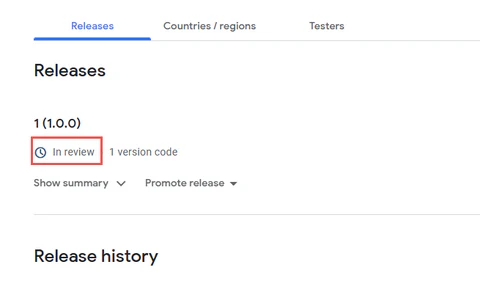
Then your release status will change to In review.
Step 2: Wait for Google Play Console to approve your release.
(skip if your release is already approved)
Usually you will need to wait around 1 working day to get approved.
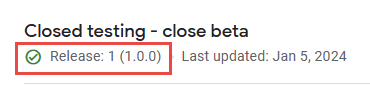
After get approved your release status will look like this:
And then you will pass the first criteria on Google Console Dashboard:
Step 3: Find 20 testers and make sure they opt in 14 days consecutively.
After your Closed testing is ready, you can using our service you will pass the second criteria in maximum 24 hours:
And on maximum 48 hours you will see the 14 days opt in start counting:
– If your app is not available for all countries please add our tester country Vietnam to your app region list.
IMPORTANTWhile we're testing your app, please make sure you do few updates on your app code so Google will understand that you have some feedback from us and improve your app. At least do 2 - 3 updates to your app.
IMPORTANT: You need to prepare a few things before starting your order
1 – A closed testing release
Make sure you’ve created a closed testing release instead of an internal testing release. And that release got approved by Play Console (not in reviewing status).
2 – Application available worldwide in region-list
All our testers are from different places so we are only able to test the app that is available worldwide.
If your app is not serving worldwide you can change it later when the testing process completes.
When adding a new region to your app region list, it requires you to submit this change to get approved by Play Console, please do it.
3 – Add our testers email to your tester list
After you place an order on our website, we will show you the tester email list.
When you add them to your tester list sometime it requires you to submit changes to Play Console to get approved, please do it.
If you have a problem with bulk adding emails please try to add them one by one.









 English (UK)
  Español
 Français
 简体中文
简体中文
 हिन्दी